What's inside FlowRunner
Build it, guide it, ask it. Everything below is in the product today, on every plan unless it says otherwise.
Build it
Describe it, draw it, or code it. All three end up as the same kind of flow.
Every time a bank statement lands in my Google Drive folder "Bank statements", match each payment to open invoices in my "Finance" Google Sheet and send me anything that doesn't match
The new flow is live. I tested it by putting a copy of the October statement in the folder, and it sent you the unmatched-payments email in about 12 seconds.
FlowRunner Prompt to Flow
Tell Claude, ChatGPT or Cursor what you need. It asks, then builds, tests and runs it.
Read the docs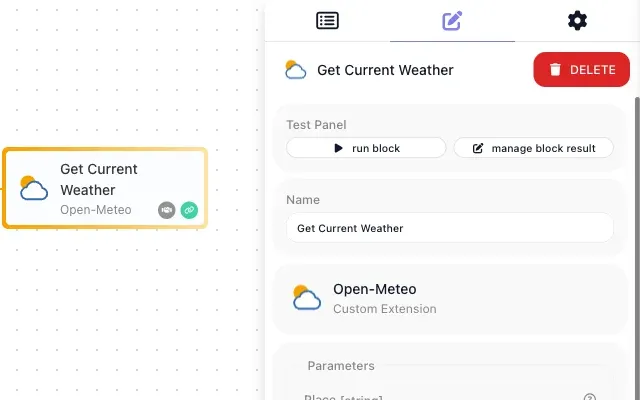
Your own blocks, written by AI
One sentence to Claude Code, one command to deploy, and a new block is in every flow.
Read the docs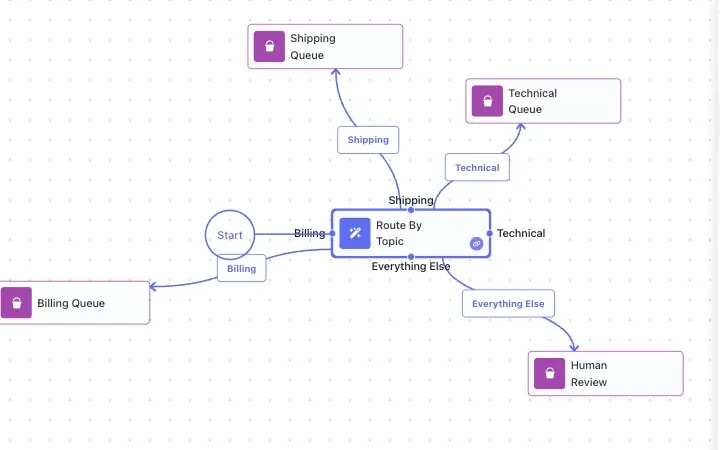
AI inside your rules
AI Router picks the branch, AI Question answers yes or no, AI Transform rewrites data.
Read the docs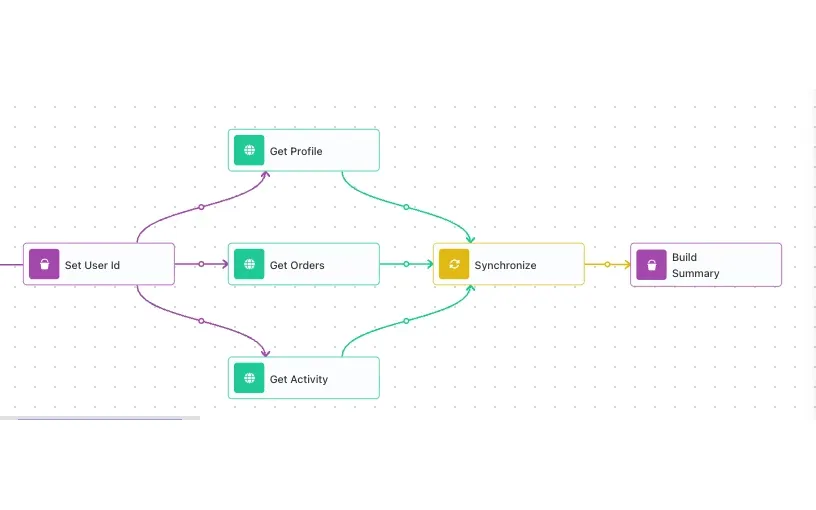
Parallel branches that rejoin
Fan out, run side by side, synchronize before the next step.
Read the docs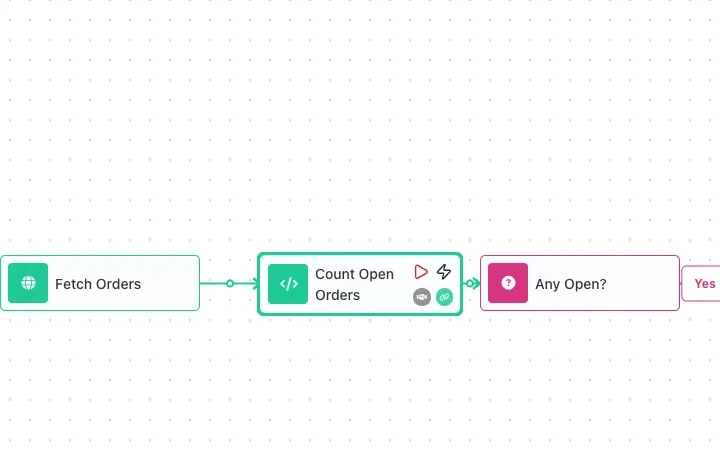
Code when you need it
Custom Cloud Code runs your JavaScript as a step, or as a tool an agent calls.
Read the docsGuide it
A person is a step the flow can take, and the run waits as long as they need.
Refund of $1,240 on order 4471 is over your limit. Item returned unopened. Approve?
It asks you when it matters
Slack, email, WhatsApp, Telegram or phone. You answer where you already are.
Read the docs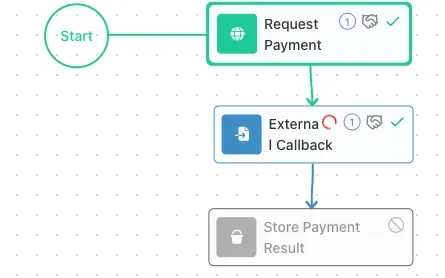
Waits up to a year
A run pauses for a signature, a reply or a webhook and picks up where it stopped.
Read the docs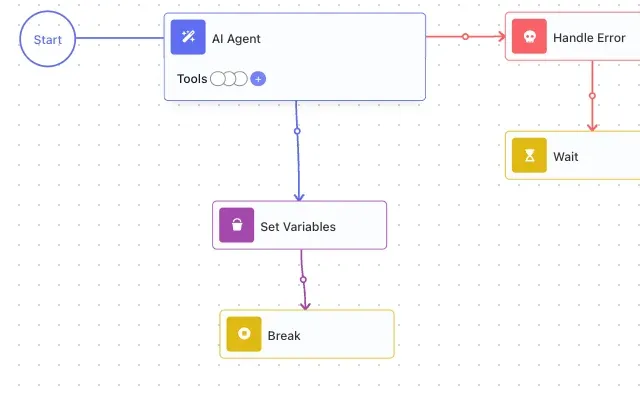
Error handling built in
Retry, catch, and route a failure to a person instead of losing the run.
Read the docsAsk it
Your flows answer questions about the work, whether they are running or idle.
How much is still unpaid this month?
$18,400 across 9 invoices. Two are past due: Ferreira Ltd and Norte Supply.
Chat with any flow, anytime
Ask what it did, what it is waiting on, or how much is still open.
Read the docs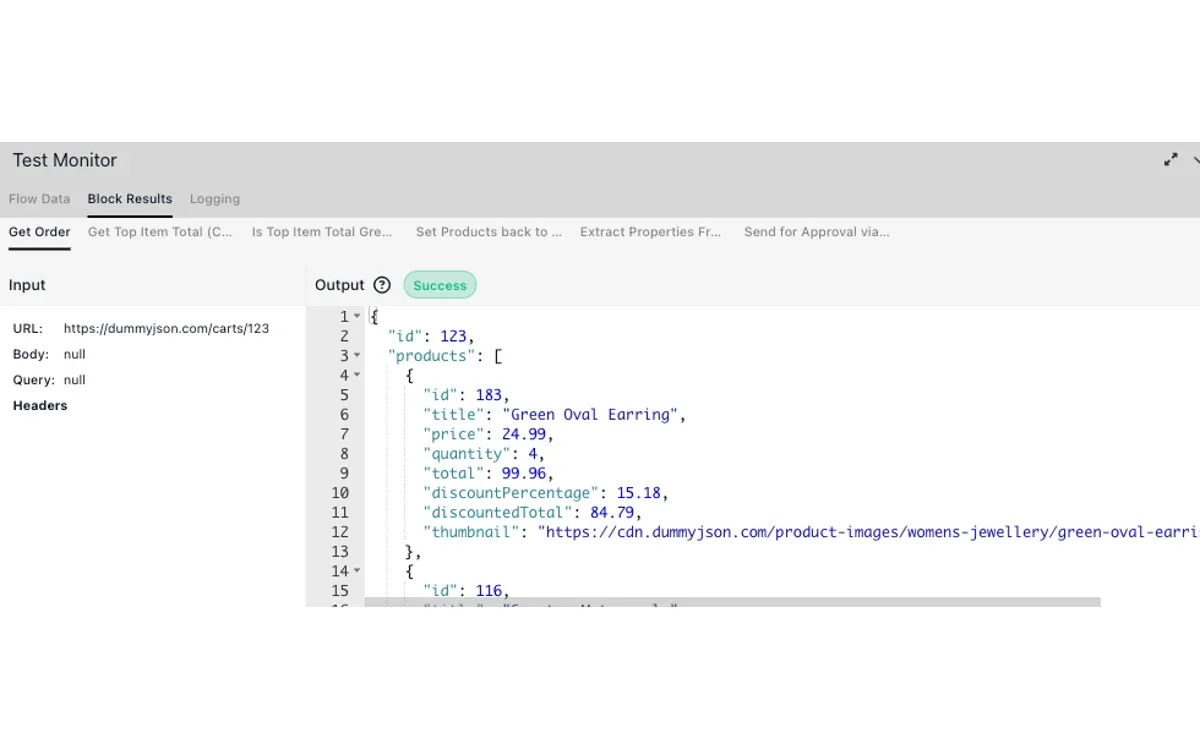
See inside every run
Every block's input and output, every loop pass, every retry.
Read the docsAgents
An agent is one block with a goal and the tools you hand it.
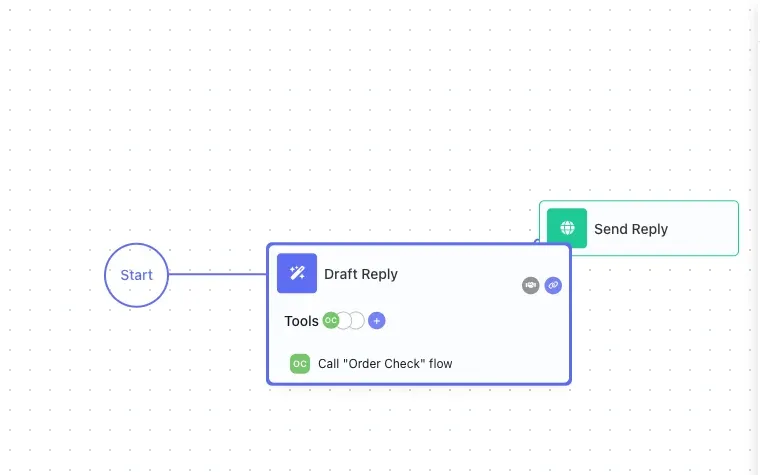
An AI agent in one block
A goal, a model, and tools. It drafts, decides and calls your flows.
Read the docs


2,300 integrations, 50,000 tools
Every action in every app is something an agent can call.
Browse integrations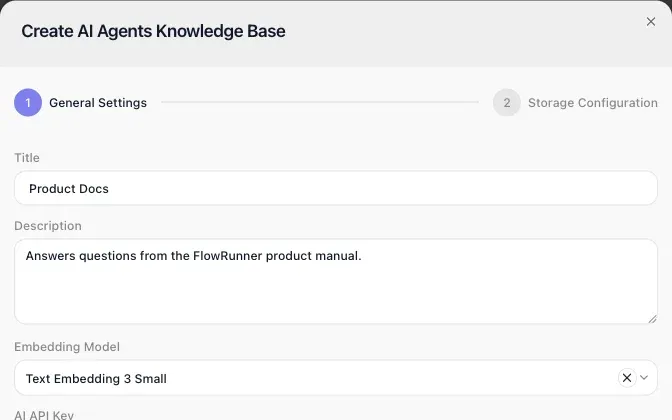
Answers from your documents
Load manuals and policies into a knowledge base. The agent answers from them.
Read the docs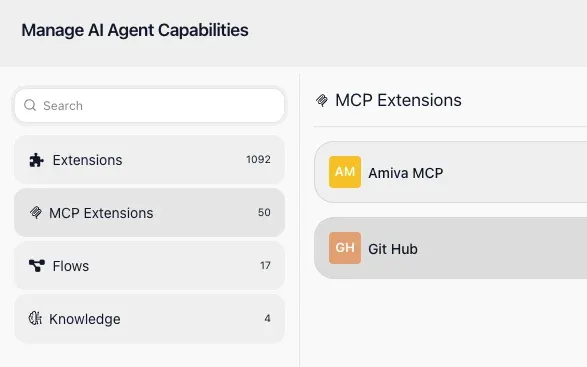
Bring your own MCP servers
Register a server once. Its tools appear on the canvas and for every agent.
Read the docs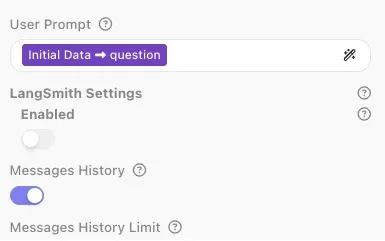
A memory for every customer
Thousands of conversations at once, none of them mixed up.
Read the docs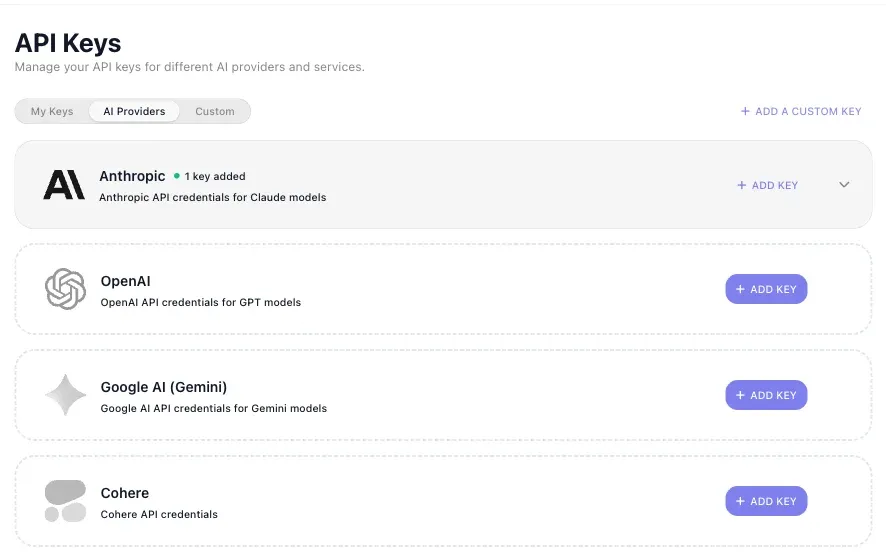
Your keys, any model
OpenAI, Anthropic, Gemini, Cohere and more. Pay the provider, no markup.
Read the docsTest it
Try any piece on real data before anything goes live.
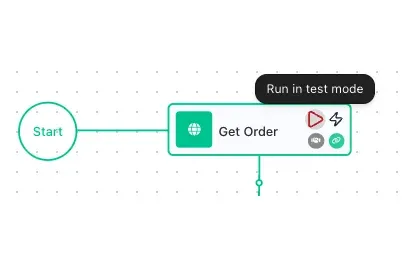
Run one block
Test a single step with real data, right on the canvas.
Read the docs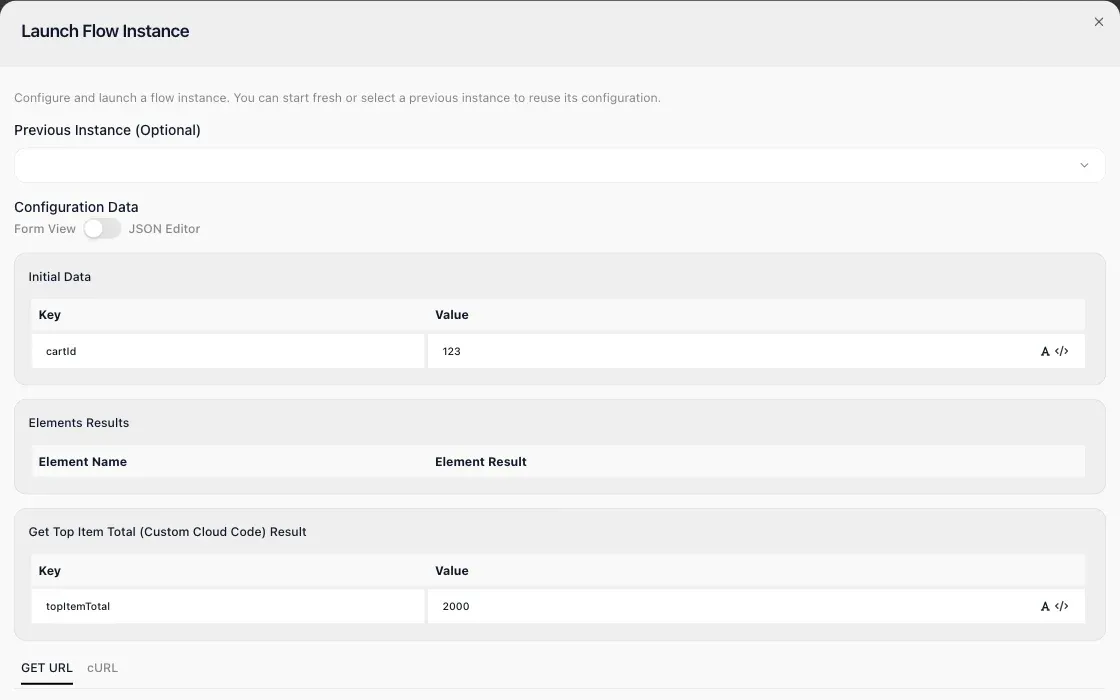
Start from any block
Launch a run from the middle of the flow with the earlier results filled in.
Read the docs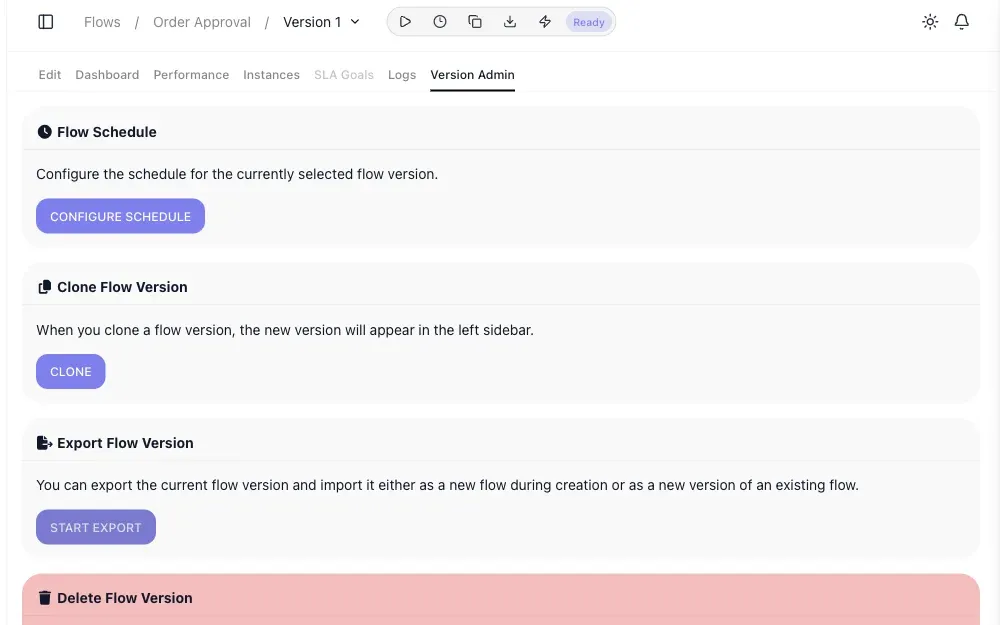
Versions with a safe switch
Work on the next version while the current one keeps running, then swap.
Read the docsTrust it
Compliance is built in, not bolted on.
- Change log Who changed what, and when. Professional and up
- Roles and permissions Decide what each person can do. Professional and up
- SLA tracking Deadlines in business hours, with escalation. Business and up
- HIPAA BAA Accept the agreement in the product. Business and up
- Panic Mode One switch locks the workspace. Business and up
- Export anything Any flow, on every plan.
Your next live automation is a prompt away
Start on the Free plan, no card required, with 14 days of Professional. Or have our team custom-build it for you.